Rent is one of those monthly tasks you want to finish fast and feel good about - paid on time, receipt saved, and no surprises. If you live in a
manufactured home community, that consistency matters even more because your home and your neighborhood are tied to reliable, well-run operations. A resident portal makes that easier, but only if you know how it works and what to watch for.
This practical guide breaks down resident portal rent payment online: what to expect, how to pay confidently, how to avoid common hiccups, and how to choose settings (like AutoPay) that match your household budget.
What “resident portal rent payment online” really means
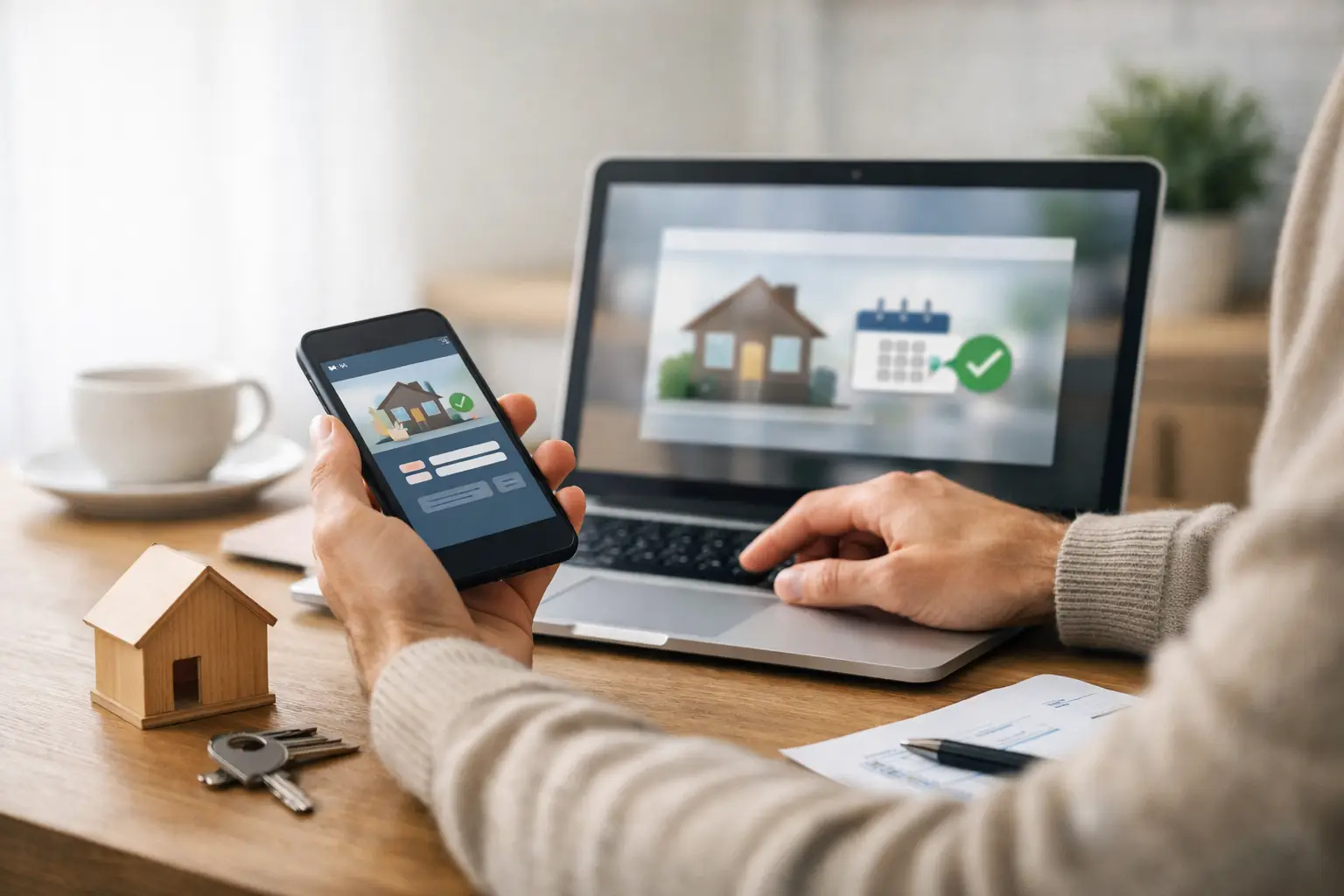
A resident portal is a secure online account connected to your lease and your community. It is designed for the everyday things residents actually need: paying rent, viewing charges, checking your balance, and keeping documentation in one place.
Resident portal rent payment online usually includes a few options. Most portals allow bank account payments (often called ACH or e-check), debit card payments, and sometimes credit cards. Depending on the portal, you may be able to schedule future payments, enroll in AutoPay, and download receipts or a payment history for your records.
The biggest benefit is not just convenience. It is clarity. When your payment and your ledger live in the same place, it is easier to confirm what you owe, when it is due, and what was processed.
Before you pay: set yourself up for a smooth first month
Most payment problems happen before the payment is even submitted. Taking a few minutes to set up your account correctly saves you time and stress later.
Start with your login and profile details. Use an email you check regularly, and choose a strong password you will remember. If the portal offers two-factor authentication, turn it on. It is one of the simplest ways to protect your household from someone else accessing your account.
Next, confirm the basics on your ledger: your name, address, and the current amount due. If you see a balance that does not match your lease or your understanding, pause and reach out to the office before paying. Sometimes charges are legitimate (like utilities or a one-time fee), and sometimes they are simply posted before a credit is applied. Paying first and asking questions later can make the follow-up feel harder than it needs to be.
Finally, decide which payment method fits your budget rhythm. Bank payments are often the most cost-effective for residents. Card payments can be helpful in a pinch, but they may come with processing fees depending on the portal setup.
How to make an online rent payment, step by step
Each portal looks a little different, but the flow is usually similar.
You log in, go to the payment area, and review the amount due. If the portal lets you choose “total amount due” versus “custom amount,” select carefully. Custom amounts are useful when you are paying a partial balance or splitting rent between two payers, but you do not want to accidentally underpay and trigger a late fee.
Then you pick your payment method and enter the information. For bank payments, double-check the routing and account numbers. For cards, confirm the billing address matches what your bank has on file. Small mismatches are a common reason payments fail.
Before you click submit, look for the processing date. Some portals treat a payment as “received” on the day you submit it, while others treat it as “received” on the day it clears. That difference matters if you are paying close to the due date.
After submission, stay on the confirmation screen long enough to capture proof. Save the receipt as a PDF or screenshot it for your records. If you ever need to verify timing or a reference number, that confirmation is your best friend.
AutoPay: helpful for stability, but not one-size-fits-all
AutoPay is a strong option for households that want predictability. When it is set up correctly, it reduces late payments and removes the mental load of remembering a due date during a busy week.
That said, AutoPay works best when your income and your account balance are consistent. If your paycheck timing changes, if you rely on variable hours, or if you prefer to pay right after you get paid, scheduled payments might be a better fit than fully automatic withdrawals.
If you do choose AutoPay, set two safeguards.
First, make sure the draft date lines up with when funds are available, not just when rent is due. Second, keep portal notifications turned on so you get a heads-up when a payment is about to process. AutoPay should feel like support, not like something that surprises you.
Avoiding late fees: timing, processing, and weekends
Online payments are fast, but they are not always instant. Understanding timing helps you avoid late fees without having to overthink it every month.
Bank payments can take longer to post than card payments because they move through banking networks. If you pay by ACH, build in a small buffer. If your due date is the first, paying a couple of days early can prevent stress if a weekend or holiday slows processing.
Also, pay attention to “scheduled” versus “completed.” Many portals will show a payment as scheduled right away, but it is not fully completed until it processes. If you are paying at the last minute, look for language that indicates the payment was accepted and timestamped.
If you are ever uncertain, do not guess.
Contact the office with your confirmation number and ask what the portal shows on their side.
Receipts and payment history: make the portal work for you
A portal is more than a payment button. It is also your personal record system.
Make a habit of saving your receipts. If you are applying for assistance, verifying residency, tracking expenses, or just keeping clean household documentation, a payment history report can save you a lot of time.
It is also useful for spotting patterns. If your utility charges vary, you can compare month to month. If you see a fee you do not recognize, you can catch it early and ask about it before it snowballs.
Common issues and what to do when they happen
Even good systems have occasional hiccups. The goal is to know what is normal and what needs attention.
If your payment fails, start by checking the basics: available funds, correct bank numbers, and whether your card has expired. Then look at any error message the portal provides. Sometimes it is as simple as the bank flagging an online transaction.
If your payment went through but you do not see it reflected right away, give it a little time based on the payment type. A card payment may post quickly, while a bank payment may show as pending. Keep your confirmation number either way.
If you accidentally submit the wrong amount, contact the office immediately. Portals do not always allow residents to cancel a payment once submitted, but the earlier you communicate, the easier it is to find the right fix.
If you are splitting rent between roommates or family members, confirm how the portal handles multiple payments. Some systems will accept multiple partial payments. Others may require one combined payment to avoid confusion. If your household shares responsibility, aligning on process is just as important as aligning on dollars.
Security basics: pay confidently, not casually
Online rent payment should feel safe. You can do your part with a few simple habits.
Use a unique password and avoid logging in on public Wi-Fi when possible. If you need to use a shared computer, never save your password in the browser. Turn on account alerts so you know when a payment is scheduled or posted.
Also, watch for phishing emails. A real portal will not ask you to “verify” your password by email or text. If you are unsure whether a message is legitimate, go directly to the portal through your usual saved link or the community’s official website rather than clicking a button in an email.
Why online payments support a better community experience
When rent payments are easier for residents, it helps the whole community run smoother. Consistent collections support the work you can see: maintained common areas, responsive service, and ongoing improvements that reinforce pride of place.
That matters in manufactured home communities because residents are not just renting a unit in a building. You are part of a neighborhood with shared roads, shared standards, and a shared expectation that management will keep the community clean, safe, and welcoming.
Digital tools cannot replace good management, but they can remove friction. Less time spent tracking down payments or printing receipts means more time spent on what residents actually care about - communication, upkeep, and follow-through.
Getting started if you are new to a community
If you are moving into a community and you are asked to use an online portal, treat it like setting up utilities: do it early, test it once, then rely on it.
Log in before your first due date. Add your payment method, confirm you can see your balance, and submit a small test action if the portal allows it (some systems let you save a method without paying right away). Then decide whether you want AutoPay or scheduled payments.
If you are
exploring communities and want to live somewhere that balances affordability with real day-to-day livability, one sign of professional management is a clear resident experience - including simple online payments and transparent account history. At
Medallion Communities, that resident-first approach is part of how we support stable, community-oriented living across our neighborhoods.
A rent payment is just one transaction, but the feeling behind it matters. When paying online is straightforward, you get a little more time and mental space back - for your family, your workweek, and the community life you came here for.