The first week after a move usually comes with a long mental checklist. Rent due dates, utility details, community rules, maintenance questions, and a dozen small tasks that matter more than they seem. A resident portal helps put those details in one place so your home life feels more organized from day one.
For many residents, the portal becomes part of the monthly routine. You use it to pay rent, review account information, submit service requests, and keep track of important updates without making extra phone calls or wondering where to start. If you are new to community living, that kind of clarity matters.
Resident portal guide for new residents
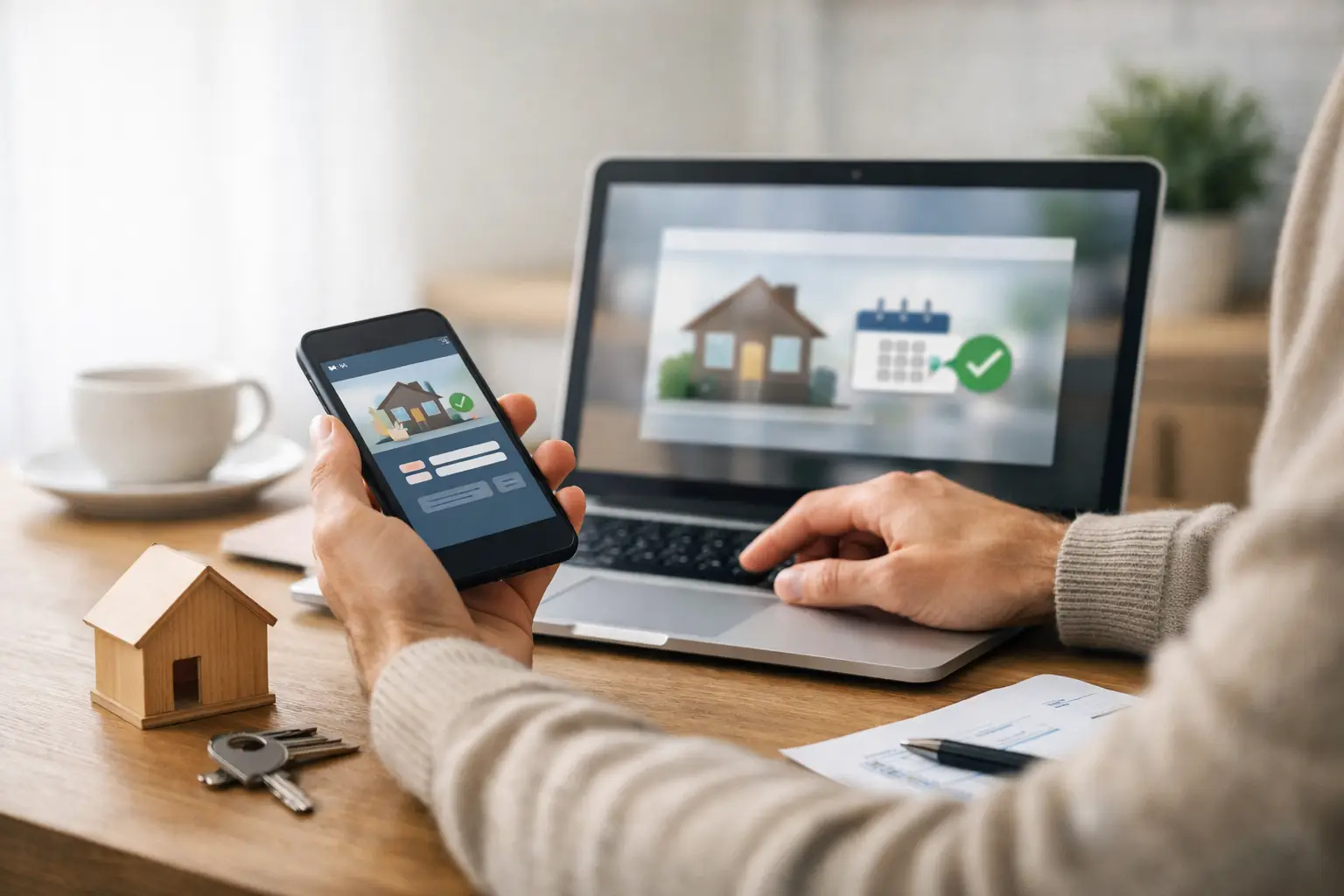
Think of your resident portal as your digital home base. It is there to make common tasks faster, but also to give you a clearer view of your account and your community. Instead of keeping paper notes, searching old emails, or waiting to stop by the office, you can handle many day-to-day needs online when it works for your schedule.
That said, every portal is a little different. Some features may vary by community or management system. Your exact options might depend on whether you are renting, purchasing, or living in a community with specific local processes. The good news is that the basic approach stays the same, and once you learn the layout, the portal usually becomes very straightforward.
Start with your account setup
Your first step is creating or activating your login. In most cases, you will receive an invitation email or registration prompt connected to your resident record. Use the same email address you provided during the application or move-in process unless your community team tells you otherwise.
When you create your password, choose something secure but easy for you to remember. A password manager can help if you prefer not to keep track of it manually. If you share household responsibilities with a spouse or partner, it is worth asking whether the portal supports separate logins or whether one primary account should be used for payments and service requests.
After logging in for the first time, take five minutes to review your profile. Confirm your phone number, email, emergency contact, and any vehicle or household information the system asks for. It may feel minor, but accurate information helps management reach you quickly when it matters.
Learn the main sections before you need them
Most new residents only explore the portal when they need to pay rent or report a problem. That works, but it is easier to use confidently if you click through the main tabs early.
Look for the sections tied to payments, documents, maintenance, announcements, and account details. You do not need to memorize everything. The goal is simply to know where things live so you are not searching under pressure later.
A portal is most helpful when it reduces friction. If you already know where to find your lease, community notices, or payment balance, routine tasks take minutes instead of becoming another moving-related headache.
How to use a resident portal without missing key details
The most common reason residents get frustrated with a portal is not the technology itself. It is usually timing. A payment method was not saved ahead of time, an alert email went to spam, or a maintenance request did not include enough information. A little setup now can prevent a lot of avoidable back-and-forth later.
Set up online rent payments carefully
If your portal offers online payments, take time to connect your preferred payment method before rent is due. You may be able to use a bank account, debit card, or another approved payment option depending on the system. Review any processing details so you know what to expect.
This is one of those areas where it depends on your priorities. Bank account payments may be the simplest option for recurring housing expenses, while card payments can feel more convenient for some households. The right choice is the one that fits your budgeting habits and any fees or timing rules shown in the portal.
Once your payment method is set up, check whether automatic payments are available and whether they make sense for you. Auto-pay can reduce the chance of a missed deadline, especially if your schedule changes from month to month. On the other hand, some residents prefer manual payments so they can review their balance first. Either approach can work if you stay consistent.
Always save confirmation numbers or screenshots after a payment is submitted. Most portals keep a payment history, but having your own record gives extra peace of mind.
Use the document center as your reference point
A good portal usually includes important account documents in one place. That may include your lease, addenda, notices, payment history, or community forms. New residents often overlook this area until they need to confirm a rule or date.
Get familiar with what is available. If your community provides digital copies of move-in paperwork, this section can save time when questions come up about guest policies, pets, parking, home standards, or other day-to-day expectations.
Clear access to documents supports a better resident experience because it removes guesswork. You should not have to rely on memory for details that affect your home and budget.
Submit maintenance requests with enough detail
If your portal allows online service requests, use it fully. The most helpful requests are specific. Describe what is happening, where it is happening, when it started, and whether the issue is urgent or affecting safety.
For example, saying "kitchen sink leak under cabinet since last night" is much more useful than simply writing "sink problem." If the portal allows photos, add them. Good details help the management team respond faster and send the right help the first time.
There is a practical trade-off here. Portals are excellent for tracking routine requests, but emergencies may still require an immediate phone call to the office or emergency maintenance line. If a problem involves active flooding, electrical danger, no heat in severe weather, or another urgent safety concern, follow the emergency instructions provided by your community rather than waiting for an online response.
Watch announcements and community updates
Resident portals are not just for transactions. They are also a communication tool. You may see office updates, scheduled maintenance notices, event information, weather alerts, or reminders that help you stay informed about what is happening around you.
That matters in a community setting. A well-managed neighborhood runs better when residents know what to expect, from office hours to infrastructure work to seasonal reminders. Staying informed helps you avoid surprises and feel more connected to where you live.
If your portal includes notification settings, choose the alerts you want to receive by email or text. Then check your spam or promotions folder to make sure messages are not getting filtered out.
What new residents should do in the first 30 days
The easiest way to get value from your portal is to treat the first month as your setup period. Log in, complete your profile, add your payment method, read your documents, and test where to submit a request before something urgent comes up.
If anything looks inaccurate, such as your contact information, unit details, or current balance, contact the office promptly so the record can be corrected. Small errors are easier to fix early.
It is also smart to bookmark the portal on your phone and computer. If the system has a mobile-friendly version, use the format that feels easiest for you. Convenience matters because the easier the portal is to access, the more likely you are to use it consistently.
For residents who are still getting comfortable with digital tools, there is no shame in asking questions. A resident-focused management team should be able to explain where to pay rent, where to upload information, and how to submit requests correctly. Technology should support your experience, not make it harder.
When the portal helps most
The portal tends to prove its value in ordinary moments, not just major ones. It helps when you need to confirm a balance after work, check a notice before the weekend, or send a maintenance request without rearranging your day. Those small conveniences add up.
For a community-minded company like Medallion Communities, digital tools also support something bigger than convenience. They create a clearer connection between residents and management. When communication is easier, payments are simpler, and requests are easier to track, the result is a more stable and responsive living experience.
Affordable housing should still feel organized, cared for, and dependable. A resident portal supports that standard by giving you direct access to the information and actions that matter most.
If you are just getting settled, do not wait until rent day or a repair issue to figure it out. Spend a few minutes learning the portal now, and it can make everyday community living feel a lot easier.