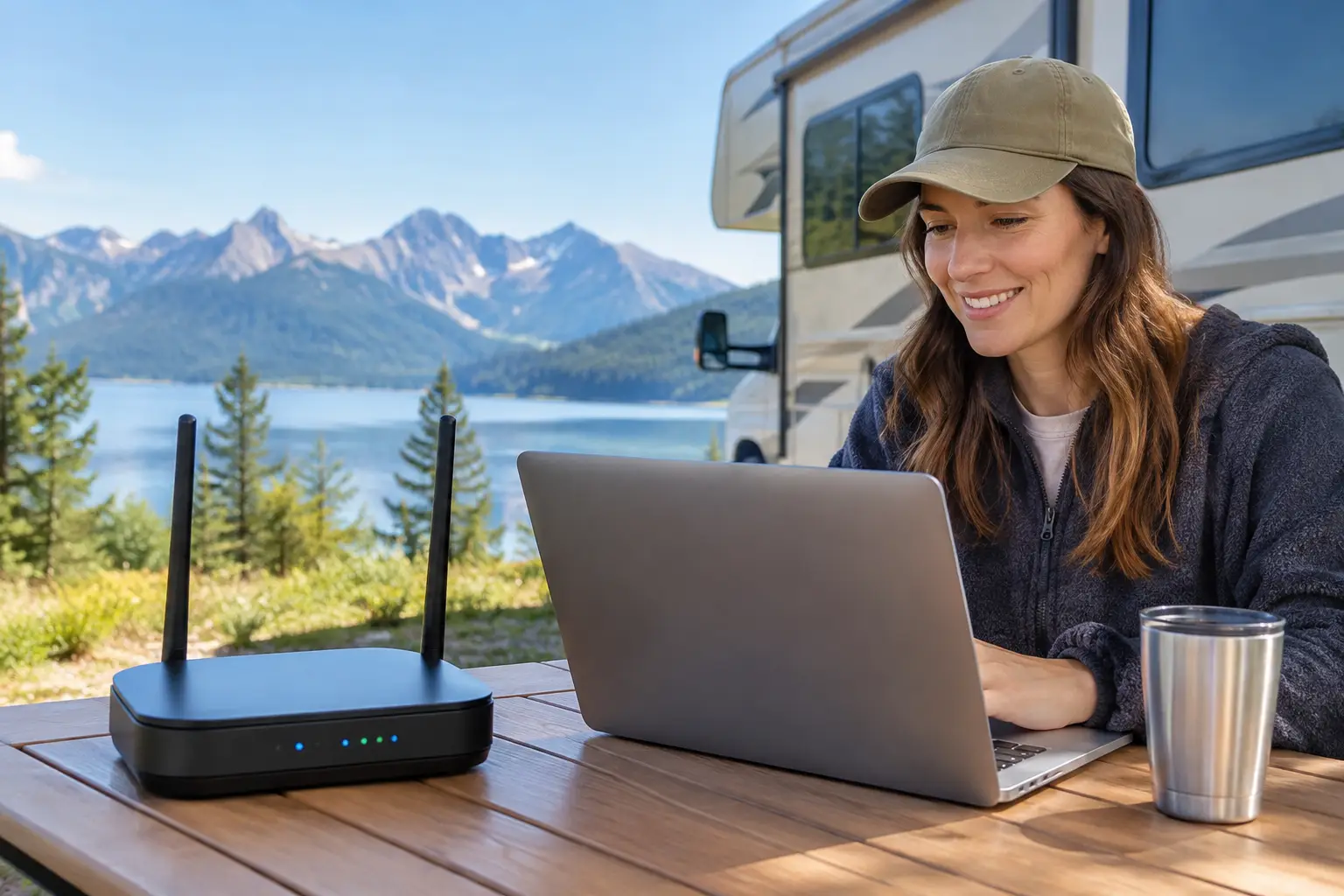
A campground WiFi symbol on a reservation page can mean very different things. For one guest, it is enough to check email and stream a movie after dinner. For another, it needs to support video calls, remote school, cloud backups, and several connected devices all day. This RV WiFi review explains how to judge the connection you are likely to receive before you settle in, and how to make a smart backup plan when connectivity matters.
For travelers who work on the road, stay connected with family, or use online portals to manage everyday tasks, WiFi is no longer a minor amenity. It is part of choosing an RV park that supports a comfortable, dependable stay. The key is looking beyond the word “WiFi” and asking how the service performs where and when you will actually use it.
What an RV WiFi Review Should Measure
A useful review is not just a comment that says “great internet” or “WiFi was terrible.” Connection quality changes with the number of guests in the park, the distance from an access point, the construction of the RV, weather, and even the time of day. A guest parked beside a signal source may have a very different experience than a guest several rows away.
Start with the tasks you need the connection to handle. Basic browsing, messaging, online bill pay, and email require relatively little bandwidth. Video calls and remote work need a stable connection with low delay, while streaming on multiple televisions or uploading large files places greater demand on the network. A connection can appear fast on a quick test and still struggle during an evening rush.
The most helpful RV WiFi reviews describe the type of use behind the rating. A remote worker saying they completed full-day video meetings is more informative than a general five-star score. Likewise, a family reporting that streaming worked well in the morning but slowed at night gives future guests a realistic picture.
The Difference Between WiFi and Internet Service
WiFi is the wireless signal between your device and a nearby access point. Internet service is the connection that brings data into the property. Both need to work well.
If your signal is weak inside the RV, moving closer to the access point may help. If the signal is strong but pages load slowly, the issue may be the property’s internet capacity or heavy use by other guests. Many RVs also have metal siding, insulation, tinted windows, and layouts that can reduce the wireless signal once you are inside.
This distinction matters when reading reviews. “The WiFi did not reach our site” points to coverage. “The WiFi was connected but could not support a video call” may point to capacity, network congestion, or device limits. Well-managed parks monitor these patterns and make infrastructure improvements as needs change, but no shared network can promise identical performance at every site and every hour.
Five Things to Check Before You Book
When reliable access is essential, a few direct questions can prevent frustration after arrival. Ask the RV park whether WiFi is available at all sites or only in common areas, and whether there are known coverage differences among site types. If you have the flexibility to select a site, proximity to the office, clubhouse, or designated WiFi equipment can sometimes make a practical difference.
Look for answers to these five questions:
- Is the network intended for light browsing, streaming, or work-related use?
- Are there device limits, login codes, data caps, or added service fees?
- Does the signal generally reach inside RVs at the sites you are considering?
- What support is available if you cannot connect after arrival?
- Is there reliable cellular coverage from your carrier as a backup?
Recent guest feedback is valuable, particularly when it mentions the season, site location, and activities completed online. A review from three years ago may not reflect a network that has since been upgraded. On the other hand, several recent comments about dropped connections at peak times deserve attention, especially if you need dependable access for work.
Test the Connection When You Arrive
If you are staying more than a night or two, test the network early. Do not wait until a scheduled meeting or a school deadline to find out that your preferred workspace has poor coverage. Connect from inside the RV, then test from outside near your site. Try the services that matter to you, such as a video call, a streaming app, or the work platform you use each day.
Pay attention to consistency, not only speed. Download speed affects how quickly content arrives, but upload speed is especially relevant for video calls, sending files, and sharing photos. Latency, or delay, can also affect conversations and interactive work. You do not need to become a network technician. You simply need to confirm that the connection supports your normal routine.
If you experience trouble, start with the simple fixes. Confirm that you are on the correct network, reopen your browser to complete any sign-in page, and restart your device. Move closer to a window or step outside to compare the signal. If the issue continues, contact onsite management or the listed WiFi support team with your site number and a clear description of what is happening. Responsive support is part of a better guest experience.
Why Shared WiFi Slows Down at Busy Times
An RV park network is a shared resource. When many travelers return to their sites in the evening, start streaming, and connect phones, tablets, televisions, and laptops, demand rises quickly. Seasonal occupancy can have the same effect. A quiet weekday in the shoulder season may feel very different from a holiday weekend.
That does not automatically mean the park has poor WiFi. It means guests should set expectations based on their needs. A traveler checking maps and email may be perfectly satisfied. A full-time RVer with daily client calls may need a more independent connection, even at a park with a well-maintained network.
This is also why parks benefit from treating connectivity as part of hospitality. Clear information about coverage, appropriate use, and support helps guests plan well. Thoughtful infrastructure upgrades, attentive management, and clean common spaces where guests can connect comfortably all contribute to a stay that feels organized and dependable.
Build a Backup Plan for Work and Travel
For anyone whose income, education, or travel logistics depend on being online, campground WiFi should rarely be the only plan. A mobile hotspot, phone tethering, or dedicated cellular router can provide a useful alternative when coverage is available. The best choice depends on your carrier, data needs, budget, and the places you travel most often.
Before a longer stay, check cellular coverage with the carrier you use rather than relying only on a general coverage map. Signal can vary across a single property due to terrain, nearby buildings, and the location of your RV. A cellular booster or external antenna may improve a weak signal in some circumstances, but it cannot create service where none exists.
Keep security in mind as well. Public WiFi is convenient, but avoid handling highly sensitive information on an open network when possible. Use strong, unique passwords, keep software updated, and turn off automatic sharing features. If your work requires additional security tools, confirm that they function properly before you need them.
Choosing an RV Park With Confidence
A strong RV WiFi review looks at more than a speed-test screenshot. It considers coverage at the site, consistency during busy hours, support when something goes wrong, and whether the network matches the guest’s actual needs. Those details turn a vague amenity into useful information.
For a weekend getaway, park WiFi may be a welcome convenience. For seasonal guests and full-time travelers, it can be one part of a broader connectivity plan. Choose a well-managed community that communicates clearly, test the service when you arrive, and keep a backup option ready when your schedule cannot wait for the signal to improve.